1 Hour Countdown Timer: How to Use a 60-Minute Timer for Work, Study and Cooking
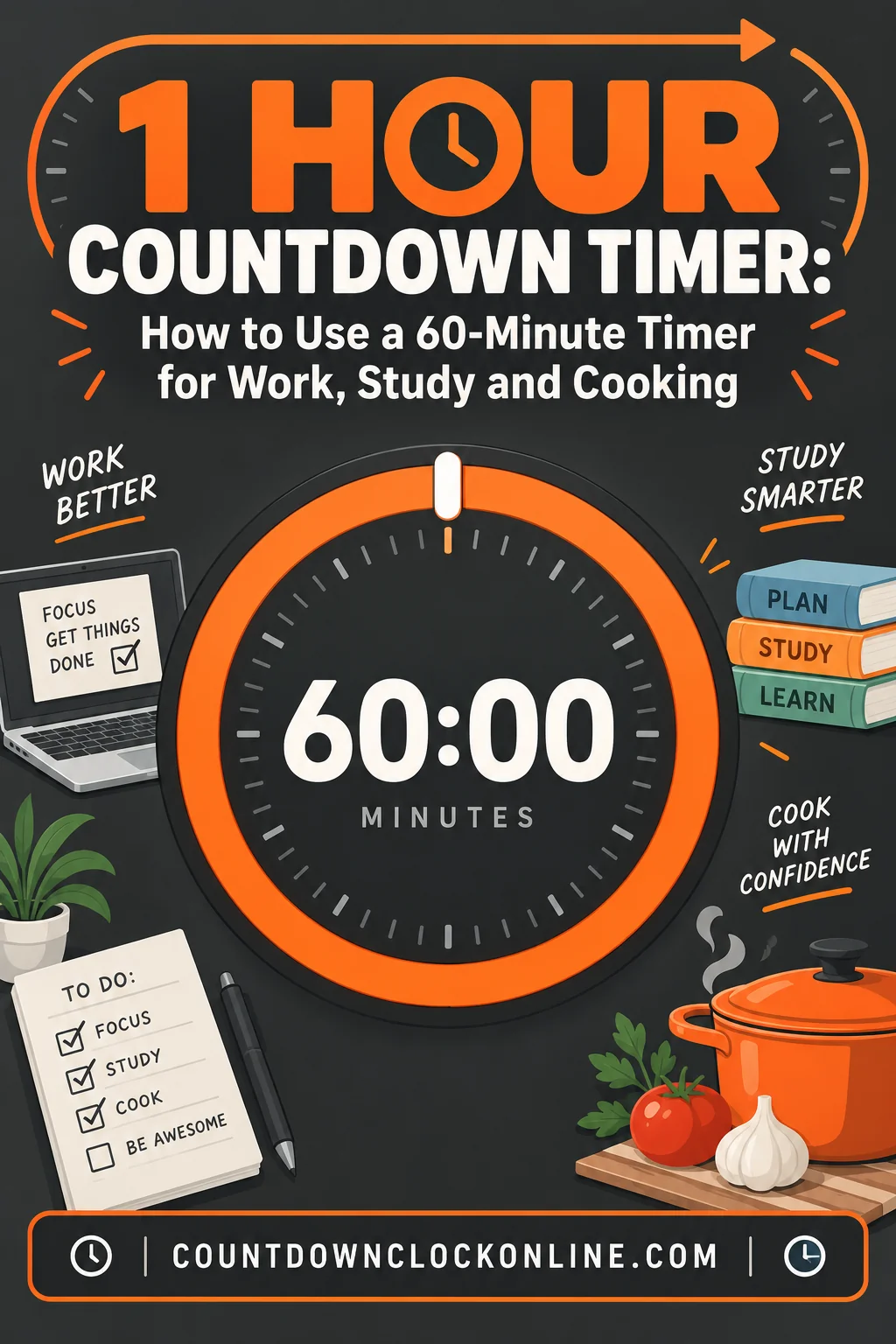
Sixty minutes is the longest block most people can hold a single task without their attention quietly wandering off, and it is short enough that you can see the whole thing from the start. That combination is why the one-hour countdown is the most-used fixed-duration timer there is. It maps onto a class period, a gym session, a roast, a meeting slot, a practice test, and a stretch of homework, and in every one of those cases the value is not the alarm at the end. It is the visible number in the middle.
Unlike a countdown to a clock time, a 1 hour countdown starts when you press start. It has nothing to do with what time it is. That makes it portable in a way clock-time countdowns are not — the same hour works at 6am and at 11pm — and it makes it the right tool whenever the thing you are measuring is a duration rather than a deadline.
Why an Hour Is the Default Block
Sixty minutes sits at a useful intersection. It is long enough to do real work, including the ten or fifteen minutes it takes most people to get properly into a task. It is short enough that the end is visible from the beginning, which is what keeps a timer motivating rather than oppressive. And it lines up with how the rest of the world is already scheduled — classes, appointments, meetings, gym sessions and cooking instructions all default to hour-shaped units.
There is also a quieter reason. An hour is roughly where sustained attention starts to degrade for most people on most tasks. Timing an hour is not really about limiting yourself to an hour. It is about creating a defined moment to stand up, drink water, and decide whether to go again — a decision that otherwise gets made by accident three hours later.
| Use | What the hour actually does |
|---|---|
| Exam and practice tests | Reproduces real time pressure and trains pacing |
| Workout intervals | Bounds the session so it does not sprawl or get cut short |
| Cooking and baking | Frees attention from clock-watching |
| Focus and study blocks | Creates a container with a defined end |
| Meetings | Makes the hard stop visible to everyone in the room |
| Kids' screen time | Moves the ending from a person to a number |
Exam and Test Timing
A practice test taken without a timer is a different exercise from the test it is preparing you for. Untimed practice teaches content. Timed practice teaches pacing, and pacing is where most of the lost points live.
Set a 1 hour countdown for any section that runs roughly that long, put it where you can glance at it without turning your head, and then do the thing that actually matters: check it at planned intervals rather than continuously. If your section has 50 questions in 60 minutes, you should be near question 25 at the halfway mark. A quick check at 30 minutes and again at 15 tells you whether to speed up, and it does it early enough to matter.
Constant clock-watching is worse than no timer at all. It fragments attention and it converts a pacing tool into an anxiety generator. The fix is to decide your checkpoints before you start — halfway, and then again with a quarter left — and to ignore the display otherwise.
For teachers and proctors, a shared 60-minute countdown on a projector removes an entire category of interruption. Nobody has to ask how long is left, and nobody has to be told individually. It also removes the awkwardness of a five-minute warning that half the room does not hear.
Workout Intervals and Training Sessions
An hour is the standard session length in most gyms, and the countdown does three jobs.
It bounds the session. Without a defined end, a workout either sprawls — long rests, phone between sets, ninety minutes of what should have been fifty — or gets cut short because it felt long enough. A visible timer keeps both from happening.
It structures the segments. A common shape is ten minutes of warm-up, forty of work, ten of cooldown and stretching. With one hour on screen, you know at a glance whether you are on pace. The cooldown is the part that disappears when nobody is watching the clock, and it is the part people most regret skipping.
It works for a group. In a class setting, a large countdown that everyone can see does what a coach's watch cannot: it tells the whole room the same thing at the same time. Nobody has to ask how long is left in the circuit.
The honest limitation: a single 60-minute countdown does not mark your intervals for you. It holds the outer boundary while you handle the inside of it, which for most training sessions is the right division of labor.
Cooking and Baking
Cooking is where the one-hour timer is least glamorous and most useful. A great many things take an hour: a roast chicken, a braise, bread proofing, a slow-cooked sauce, a casserole, a cheesecake resting in a cooling oven.
The value here is not that you would otherwise forget. It is that without a timer, part of your attention stays permanently assigned to the oven. You check the clock, do the subtraction, decide there is time, start something else, and check the clock again four minutes later. A countdown offloads that entire loop.
Two practical notes. First, if you are cooking something that needs attention partway through — a turn, a baste, a rotation — set the countdown to the checkpoint rather than to the finish, then restart it. A timer that goes off at the moment you needed to act ten minutes ago is not much help. Second, for anything where the last stretch matters, set the alarm five minutes early. Ovens vary, and it is easier to give something five more minutes than to undo five too many.
Focus Blocks and Pomodoro-Style Work
The classic Pomodoro interval is 25 minutes, but plenty of people find that too short for work that requires loading a lot of context — writing, coding, analysis, anything where the first fifteen minutes are spent remembering where you were. For that kind of work, an hour is often the better unit: roughly fifteen minutes to get in, forty of real depth, five to write down where you stopped.
Run it deliberately. Before you start, write one sentence naming what this hour is for. Start the countdown. Then treat anything that is not that task as something to be written on a list and dealt with after zero. The timer is not enforcing anything — it is giving you a defensible reason to defer, which is the actual mechanism.
The break at the end is not optional, and it is the part people cut. Ten minutes away from the screen between hours is what makes a second and third hour possible. Skipping it produces a second hour that looks like work and is not.
Meetings and Kids' Screen Time
These two look unrelated and use the timer the same way: to move the end of something from a person's judgment to a visible number.
Meetings default to an hour and then reliably overrun, because ending one requires somebody to interrupt. A countdown on the shared screen changes the social dynamic. The room can see that there are eleven minutes left, so the conversation compresses on its own and nobody has to play the person who cuts things off. In a hybrid meeting, a timer visible in the shared view is one of the few pacing signals remote participants get at all.
Set it to 55 minutes rather than 60 if the next meeting starts on the hour. The five-minute buffer is the difference between an on-time day and a day that runs progressively later from ten in the morning.
Kids' screen time works on the same principle, more strongly. When the end of an hour is a parent's announcement, the ending is negotiable and every ending is a small argument. When it is a countdown everyone agreed to at the start, the timer becomes the thing that ended it. The number is neutral in a way a person cannot be.
Two things make this work. Set the timer where the child can see it, not on your own phone — the point is that they can check it themselves and manage their own expectations. And give a warning before zero, either by setting a second countdown for the five-minute mark or by pointing out the display in passing. Abrupt endings cause most of the friction; anticipated endings cause very little.
What Happens When You Background the Tab
This is the question people get wrong most often, and it matters if you are running an hour in a browser.
Browsers deliberately throttle background tabs to save battery and CPU. When a tab is not visible — you switched to another tab, minimized the window, or locked the phone — the browser slows down or suspends its repeating timers. A countdown built naively, by subtracting one second on a repeating interval, will drift badly or effectively stop.
A well-built countdown avoids this by storing the target end time and recomputing the remaining time from the system clock on every update. When you come back to the tab, it reads the clock, sees that 23 minutes have passed, and displays the correct number immediately. Nothing was lost, because nothing was being counted — it was being calculated.
What throttling genuinely does affect is the alarm firing on time while the tab is hidden. The display will be right the moment you look at it, but the sound may be delayed until the tab wakes up, and on a locked phone it may not fire at all. Browsers restrict background audio for good reasons, and no web page can fully override that.
Practical rules:
- If you need to walk away and be interrupted at exactly zero, use your phone's or your smart speaker's native alarm. Those have operating-system permissions a web page does not.
- If the timer is visible on a screen you are near, a browser countdown is fine and often better, because it shows the remaining time continuously rather than only announcing the end.
- Keep the tab visible if you want reliable audio. A second monitor, a split-screen window, or a spare tablet solves this cheaply.
- Do not let the device sleep. A countdown page on a tablet used as a kitchen or classroom display should be on a device set not to sleep, or it will be showing a lock screen when you look up.
Audible Versus Visual Alerts
Choose based on whether anyone is watching the screen.
Audible alerts are right when attention is elsewhere: cooking while doing something else in another room, a workout where you are not looking up, any situation where the end is a genuine event that requires action. The weakness is that sound is easy to miss in a noisy room, easy to mute by accident, and disruptive in a shared space where other people are working.
Visual alerts — a large number, a color change, a progress ring closing — are right when someone is already looking. They are silent, which matters in an exam room, an office or a library, and they carry more information than a sound, because a person glancing up learns not just that something ended but how much is left before it does.
The most useful setups do both: a visible countdown running the whole hour, plus a sound at zero. That way the display does pacing work throughout and the alarm catches you if you drifted.
One design note: the last five minutes should look different from the middle. A color shift or a closing ring gives a group the equivalent of a five-minute warning without anyone having to announce it.
Why a Full-Screen Timer Beats a Phone Timer for a Group
For one person, a phone timer is fine. For two or more, it is the wrong tool, for reasons that are entirely practical.
Only one person can see a phone. Everyone else has to ask, which means the person holding the phone becomes a service desk. In a class, a workout group, a meeting or a family, that is a steady drip of interruption that a shared display eliminates completely.
A phone screen sleeps. By the time you look, it is dark, and you have to wake it to learn anything. A full-screen countdown on a laptop, tablet or projector is readable from across a room at a glance.
A phone in your hand is a phone. Picking it up to check a timer is the most reliable way to end up somewhere else. Keeping the countdown on a separate screen removes that entirely, which is most of the point during a focus hour.
A shared timer is a shared fact. When everyone can see the same number, the ending stops being one person's call. That is what makes it work for meetings that need to end, screen time that needs to end, and a workout circuit where nobody wants to be the one who suggests stopping.
The practical setup is simple: open a 1 hour countdown full screen on whatever display the group can already see, set the device not to sleep, and leave it. If you want an ending that catches you while you are away from the room, add a phone alarm as a backup. The two tools are complements, not competitors — the screen does pacing, the phone does interruption.
Frequently Asked Questions
Does a 1 hour countdown keep running if I switch tabs? The remaining time stays accurate, because a well-built countdown calculates from the target end time rather than ticking down a stored number. The sound at zero is less reliable in a hidden tab, so keep the tab visible if you need the alarm, or set a phone alarm as a backup.
Can I use a one-hour timer for interval training? It works well as the outer boundary of a session but it will not call your individual work and rest intervals. Use the hour to bound and pace the whole workout, and a dedicated interval timer for the intervals inside it.
Is an hour too long for a focus block? For work that needs a lot of context loaded — writing, coding, analysis — an hour is usually better than 25 minutes, because the first fifteen go into getting started. For repetitive or low-context tasks, shorter blocks with more frequent breaks tend to work better.
What is the difference between a 1 hour countdown and a countdown to a specific time? A one-hour countdown measures a duration and starts when you press start, so it always runs 60 minutes. A countdown to a clock time is anchored to the day, so how long it runs depends entirely on what time it is when you open it.