Countdown to 2026: Live Timer and What the Date Means
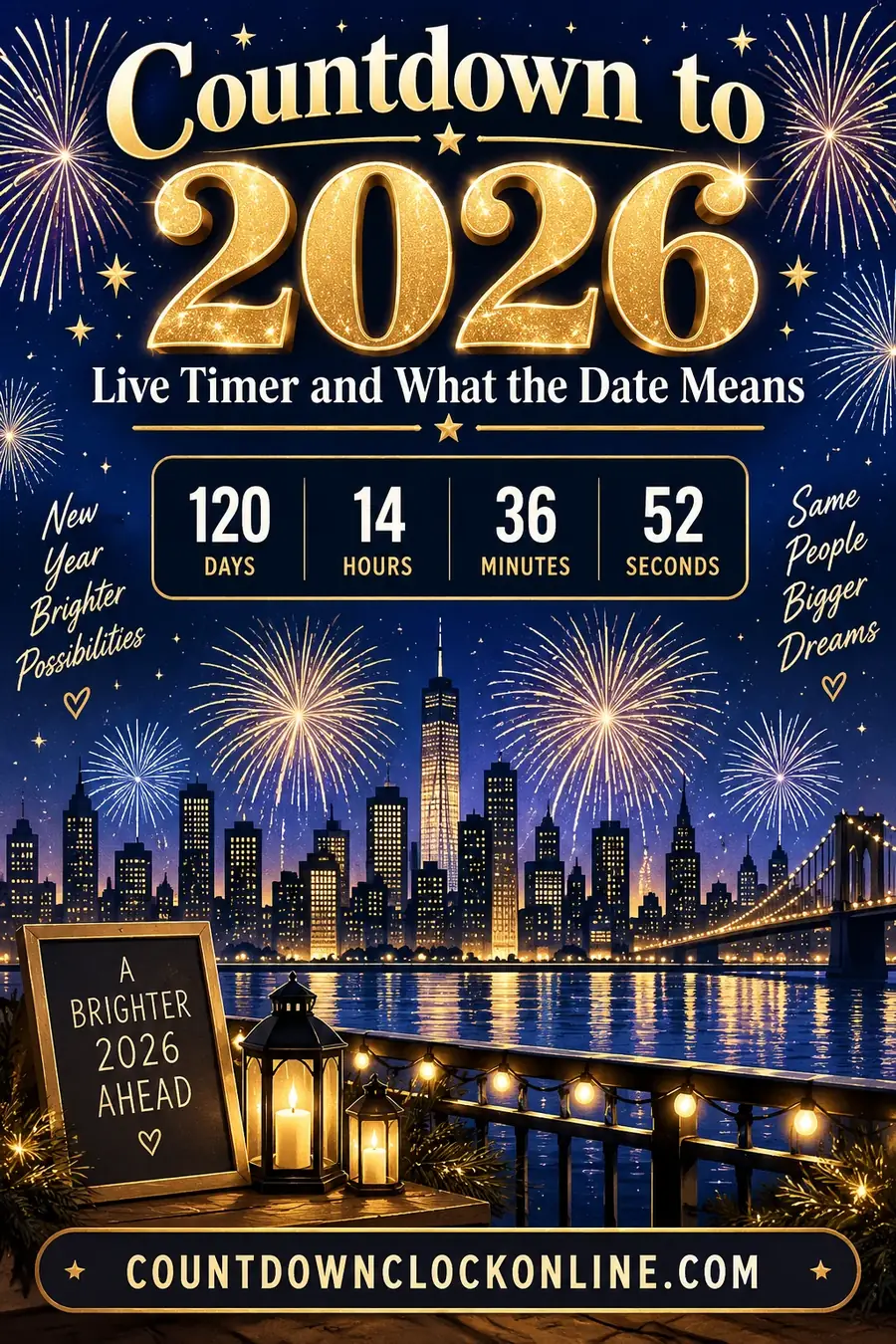
A countdown to 2026 targets midnight on January 1, 2026 — but "midnight" happens 24 separate times around the world, so the first thing any 2026 countdown needs is a time zone. Without one, a shared countdown will hit zero at the wrong moment for most of the people looking at it.
Which Time Zone Reaches 2026 First
New Year arrives in a rolling wave, starting in the Pacific and ending more than a full day later.
| Position | Location | Reaches midnight |
|---|---|---|
| First | Kiritimati (Line Islands, Kiribati), UTC+14 | Earliest on Earth |
| Very early | Chatham Islands, Auckland, Fiji | Within the first hours |
| Mid | Tokyo, Beijing, Sydney | Well before Europe |
| Then | Dubai, Moscow, Paris, London | Through the evening |
| Later | New York, Chicago, Denver, Los Angeles | The Americas |
| Last | Baker Island and Howland Island, UTC-12 | 26 hours after the first |
The full span from the first midnight to the last is 26 hours, because the extremes of the time zone system run from UTC+14 to UTC-12.
If you're setting a countdown for yourself, your device's local time zone is almost certainly what you want. If you're sharing one publicly, label the zone in the same breath — "midnight ET" — because otherwise a meaningful share of viewers will see a timer that's wrong for them by hours.
What Falls on or Near the Date
Beyond the celebration itself, January 1 is a hard boundary for a lot of practical things, which is part of why countdowns to it get used year-round:
Tax and fiscal years. Many personal tax years, contribution limits and allowances reset on January 1. Contribution deadlines that "must be made in the calendar year" hit that boundary exactly.
Insurance and benefits. A large number of employer and government plan years start January 1, meaning deductibles reset and new coverage takes effect at that moment.
Contract and subscription renewals. Annual agreements written to the calendar year turn over here.
Legislation. New laws frequently take effect on January 1 in many jurisdictions, which makes the date a common target for compliance countdowns.
Goal deadlines. Anything framed as "by the end of the year" resolves at the same instant, which is the other common personal use.
Setting an Accurate Countdown
Target the exact moment, not just the date. A countdown set to "January 1, 2026" defaults to 00:00:00 in most tools — which is what you want for New Year, but not if your actual deadline is end of business on December 31.
Pick the zone deliberately. For a shared event, choose the zone that matters to your audience rather than your own. A countdown clock that lets you select a target zone explicitly avoids the most common mistake here.
Watch for daylight saving. Northern-hemisphere DST changes are done by early November, so a countdown running through December to January 1 won't cross a transition in most regions. Southern-hemisphere countdowns may.
Check leap-year arithmetic if you're counting days by hand. 2024 was a leap year; 2026 is not. Day counts computed from a formula rather than a real calendar are a frequent source of off-by-one errors.
Common Uses
New Year's Eve events. The obvious one — a large visible timer for a party, a venue, or a stream, usually with the final ten seconds counted aloud.
Product and content launches. Something scheduled to go live "at the start of the year" needs a public countdown so an audience knows exactly when.
Personal goals and habits. A visible number of days remaining to finish something before the year ends works considerably better than a vague intention.
Classroom and family use. A countdown to the new year is a simple way to make an abstract calendar concept concrete for children — and pairs naturally with a printable countdown calendar they can mark by hand.
Contract and compliance dates. Anything that legally changes at the year boundary.
Running a Countdown for an Event
If the timer is going on a screen at a party or on a stream, a few things matter more than the timer itself:
Test it hours ahead, not minutes. Time zone errors are invisible until they aren't.
Make the final minute large. Whatever the display shows for hours and days, the last sixty seconds should be readable across the room.
Have someone watching a second clock. Broadcast delays, laggy displays and paused screens all cause a countdown to drift out of sync with actual midnight. A person with a phone calling the last ten seconds is the reliable backup.
Decide what happens at zero. A timer that hits 00:00:00 and then sits there is anticlimactic. Switching to a "Happy New Year" message, or rolling straight into a count up since midnight, is a better ending.
Setting Up a Public Countdown
If the timer is going in front of an audience — a stream, an event screen, a website — the requirements change.
Label the time zone in the same visual field as the timer. Not in a footnote. A countdown reading "3 days, 4 hours" with no zone stated will be misread by everyone outside your own.
Test it from another time zone if you can. Ask someone elsewhere what their screen shows. This catches configuration errors that are invisible locally.
Decide what happens at zero. A timer that reaches 00:00:00 and stops is anticlimactic. Options: switch to a celebratory message, roll into a count-up since midnight, or auto-advance to the next milestone.
Have a manual fallback. Screens freeze, browsers sleep, streams lag. Someone with a phone counting the last ten seconds aloud is the reliable backup, and it's what most events actually rely on.
Consider the last minute separately. Whatever the display shows for days and hours, the final sixty seconds should be large enough to read across a room, and the final ten should be the only thing on screen.
Common Countdown Mistakes
Setting the date without the time. "January 1, 2026" defaults to midnight in most tools, which is right for New Year and wrong for a deadline at end of business on December 31.
Assuming the device's zone is the audience's zone. The most common error in shared countdowns.
Forgetting the year boundary in the arithmetic. Counting days by hand across December 31 is where off-by-one errors cluster.
Using a countdown for something with no fixed moment. "Countdown to spring" sounds nice and has no defined instant, which means the timer is arbitrary.
Not accounting for a leap year. 2026 is not a leap year; 2024 was. Day counts computed from a formula rather than a real calendar go wrong here.
Beyond New Year's Eve
The date carries more weight than the party, which is why countdowns to it run year-round:
Financial year boundaries. Contribution deadlines, allowance resets, and anything that must happen "within the calendar year" all resolve at that instant.
Contract turnover. Annual agreements written to the calendar year renew here, which makes it a genuine business deadline for a lot of people.
Regulatory effective dates. New rules frequently take effect on January 1, making it a common compliance countdown target.
Personal goals. Anything framed as "by the end of the year," where a visible number of days remaining does considerably more than a vague intention.
Project deadlines. Teams working to a year-end delivery date use the same countdown the party does, for entirely different reasons.
Making a New Year Countdown Feel Like an Occasion
If the countdown is for an event rather than a deadline, presentation matters more than accuracy.
Build to it rather than leaving it running. A timer that's been on screen for three hours has stopped registering by the time it matters. Bringing it up at five minutes to midnight makes it an event.
Change the display in the last minute. Days and hours are irrelevant at that point. Seconds only, as large as the screen allows.
Count the last ten aloud. This is the whole ritual and no display replaces it. The screen supports the counting; it doesn't do it.
Plan what fills the screen at zero. A message, a photo, fireworks footage, the year itself. A blank timer at 00:00:00 is a flat ending to a moment people have been building toward.
Have music cued and someone responsible for it. The gap between the countdown ending and music starting is where a party's energy goes to die.
Time Zones in Practice
The 26-hour spread between the first and last midnights produces some genuinely useful facts for anyone running a global countdown.
Kiribati's Line Islands, at UTC+14, reach it first. The country deliberately shifted its date line position in the 1990s, which is how a single nation came to span the earliest time zone on the planet.
Baker and Howland Islands, at UTC-12, are last. Both are uninhabited, so the last inhabited places are generally around UTC-11 in American Samoa.
Some zones use half-hour and quarter-hour offsets. India at UTC+5:30, Nepal at UTC+5:45, parts of Australia at UTC+9:30. A countdown assuming whole-hour offsets will be wrong for a meaningful number of viewers.
Not everywhere observes daylight saving, and those that do change on different dates. For a New Year countdown this rarely bites in the northern hemisphere, since transitions finish well before December.
For a genuinely global audience, stating the target in UTC alongside a local zone is the clearest approach — anyone can convert from UTC, and it removes the assumption that your zone is the default.
Counting Down With Children
A New Year countdown is one of the few time concepts young children genuinely engage with, and it's worth using deliberately.
Pair the digital timer with something physical. A paper chain for the final week, or a simple grid to cross off, makes an abstract date concrete in a way a screen doesn't. See printable countdown calendars for formats that suit different ages.
Do an early countdown for younger children. Plenty of families run a "midnight" at eight or nine o'clock so small children get the moment without the exhaustion. The countdown is the ritual, not the actual hour.
Let them do the counting. The last ten seconds shouted by a four-year-old is the entire point of the exercise.
Explain the time zones simply. "It's already next year in Australia" is a genuinely interesting fact to a six-year-old and an easy way into how the world's clocks work.
Take a photo at zero. Every year, same spot. It becomes its own tradition faster than you'd expect.
Quick Reference
The moment: 00:00:00 on 1 January 2026, in whichever zone you specify. First to reach it: Kiritimati, Kiribati (UTC+14). Last to reach it: the UTC-12 line, roughly 26 hours later. Most common mistake: setting the date without stating the time zone. For a shared countdown: label the zone in the same line as the time, every time.
Frequently Asked Questions
Where does 2026 arrive first? Kiritimati in the Line Islands, part of Kiribati, at UTC+14 — the earliest time zone on Earth. The last inhabited places to reach it are around the UTC-12 line, roughly 26 hours later.
What exact moment does a countdown to 2026 target? Midnight at the very start of January 1, 2026 — the instant immediately after 11:59:59pm on December 31, 2025 — in whichever time zone you specify.
Do I need to worry about daylight saving time? Usually not for a New Year countdown in the northern hemisphere, since DST transitions there finish well before December. Southern-hemisphere countdowns may cross a change, so it's worth checking.
How do I share a countdown so it's right for everyone? State the target time zone explicitly alongside the timer — "midnight ET" rather than just "midnight." Viewers in other zones can then interpret it correctly rather than assuming it matches their own clock.