Countdown to 4:30: Time Left in the Workday
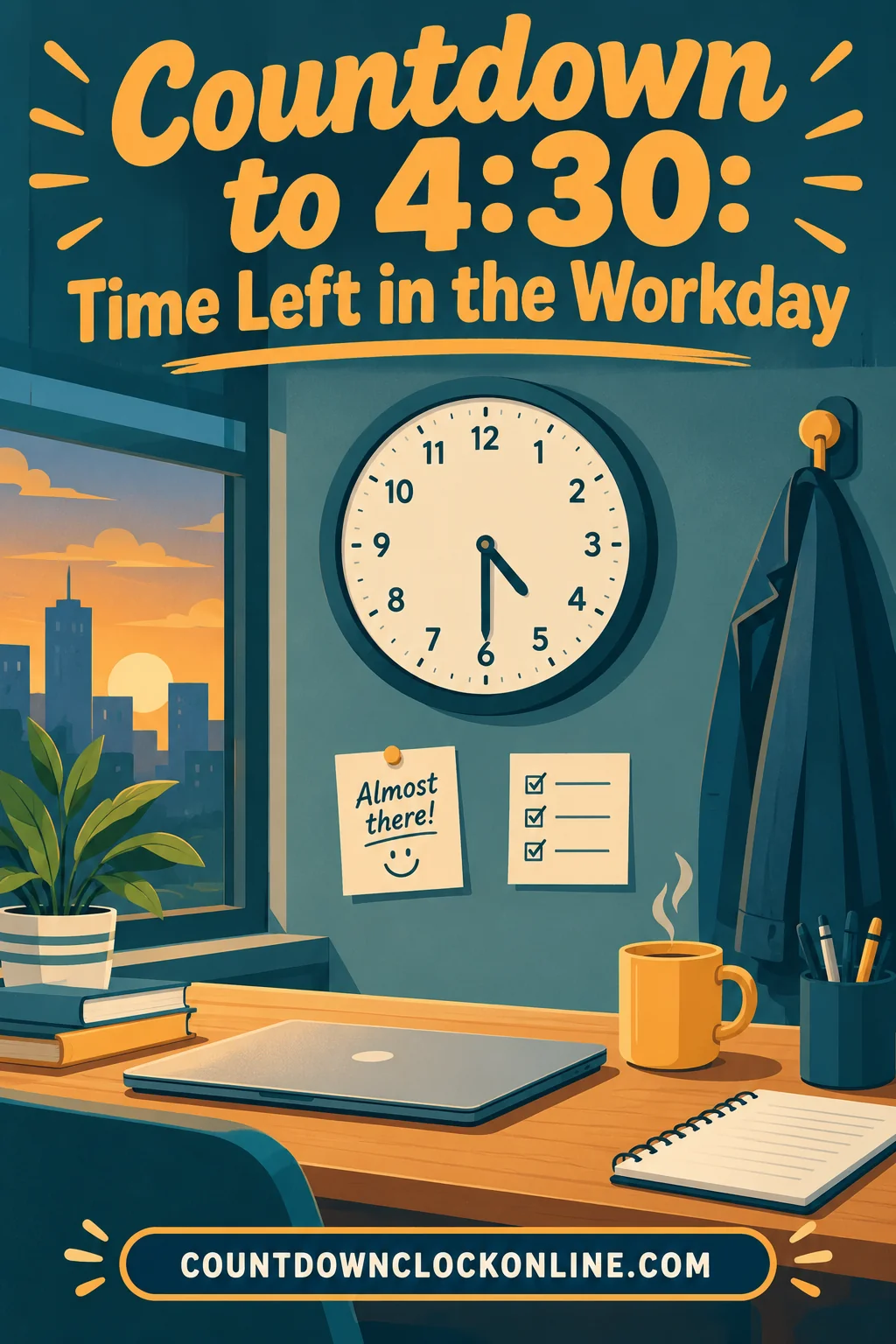
A countdown to 4:30 tells you exactly how many hours, minutes and seconds remain until half past four, counting down live from your device clock. For most people that is the end of the workday or the last hard deadline in it, and seeing the real number is far more useful than glancing at the clock and estimating.
The reason people search for this rather than just reading a clock is that subtraction at 2:47 p.m. is annoying and slightly error prone. A countdown does it continuously. You look up, see one hour forty-three, and immediately know whether the task in front of you fits.
Why 4:30 specifically
Half past four is one of the most common end-of-shift times there is. School days often finish near it, many office shifts end at 4:30 or 5:00, and afternoon childcare pickups cluster around it. It is also the informal cutoff in a lot of workplaces: the last moment you can start something and still finish it before people begin leaving.
That gives the moment a dual character. It is an end for some people and a deadline for others. Both groups want the same thing from a countdown, which is an honest number instead of a hopeful one.
There is a psychological piece too. The stretch between lunch and the end of the afternoon is the vaguest part of the day. Morning has a start, lunch has a shape, and evening has plans. The afternoon is a long undifferentiated block, and it is exactly where time disappears. Putting a boundary on it restores structure.
How people search for it
Search boxes strip punctuation, so the phrasing people actually type is countdown to 4 30, without the colon. You will see the same pattern across every time-based query: countdown to 2 30 for a mid-afternoon meeting, and similar variants for the top and bottom of every hour.
All of those are asking for the same thing, which is a clock counting down to a specific time today rather than a duration. It is worth naming the distinction because it decides which tool helps you.
A duration timer answers "wake me in ninety minutes." A target-time countdown answers "how much is left until half past four." The second one is stable: it does not care when you started it, it does not drift if you reload the page, and it gives everyone in the room the same number regardless of when they opened it.
| What you want | The right tool | Behaves like |
|---|---|---|
| Time left until a set clock time | Target-time countdown | A shrinking deadline |
| A fixed block of focus | Duration timer | A stopwatch running backward |
| Time until a date weeks away | Date countdown | A calendar with a live number |
| Current time, nothing more | A clock | A reference, not a deadline |
Setting a countdown to a clock time
Open an online countdown, enter 4:30 p.m. as the target, and let it run. Because the target is a clock time rather than an interval, a well-built page recalculates from your system clock on every tick, which means reloading the tab, sleeping the laptop, or coming back from lunch all leave the number correct.
The countdown clock uses whatever time zone your device is set to. That is almost always what you want, since the 4:30 you care about is the one on the wall behind you. It becomes a trap only when your machine's clock is wrong or has not resynced after travel, so glance at the system time the first time a countdown looks implausible.
If you want the countdown to survive a browser restart, bookmark the link rather than relying on the tab staying open. A target-time countdown is stateless in the useful sense: the link contains everything needed to rebuild the same clock tomorrow at the same hour.
Using the last two hours well
Here is where a visible countdown earns its place. The final stretch of the day tends to be spent badly, not because people are lazy but because the remaining time is unknown, so nobody sizes their work to it.
When it reads more than two hours, start something that requires thought. This is the last window in the day where deep work is realistic, and it is routinely wasted on email that could have waited.
Between one and two hours, finish rather than begin. Close the loops already open, because a task started now will be abandoned mid-thought and cost you the reload tomorrow morning.
Under an hour, switch to the shallow pile. Replies, expenses, filing, the small administrative debris that accumulates. These are exactly the tasks that suit a shrinking window, and clearing them buys you a clean morning.
Under fifteen minutes, write tomorrow's first task down. One sentence describing where you stopped and what comes next. This is the single highest-return use of the last few minutes of any workday, and almost nobody does it because the day ends before they think of it. A countdown makes the moment arrive on schedule instead of by surprise.
A 30 minute countdown inside the bigger one
The countdown to the end of the day sets the frame. Inside it, a shorter clock does the actual work.
A 30 minute countdown is the natural unit for an afternoon, because half an hour is long enough to finish something real and short enough that the end stays in sight. Run one, close everything else, and stop when it stops. Then take five minutes and run another.
The pairing matters. The long countdown tells you how many half-hour blocks you have left, which converts an amorphous afternoon into a countable resource. Three blocks left is a decision. "A few hours" is not.
Two habits make this work. First, decide what the block is for before starting it, in one sentence. Second, when the block ends, stand up. The physical break is what keeps the third block as productive as the first, and skipping it is why afternoons degrade.
For managers, teachers, and anyone running a room
A shared countdown on a screen is a quiet management tool. It removes the need to repeatedly announce how much time is left, and it makes the deadline feel external rather than personal, which changes how people respond to it.
In a classroom, a countdown to the end of a period keeps a group oriented without the teacher becoming the timekeeper. In a workshop, it prevents the last exercise from being squeezed. In an office, a countdown online displayed during the final hour of a deadline day creates shared awareness without anybody having to nag.
The one rule is to say what the number means when you put it up. An unexplained falling clock reads as pressure. A clock introduced as "this is when we stop, so pace yourself" reads as information, and people work better against information.
What to countdown to when 4:30 is not your number
The technique generalizes. Anything with a fixed clock time works the same way, and picking the right target matters more than the tool.
Pick the moment something actually changes, not the moment you would like to be finished. The countdown to when the doors close, the bus leaves, the store shuts, or the call begins is useful because missing it has consequences. A countdown to an aspirational finish time is easy to ignore, and once you ignore a countdown twice it stops working entirely.
Common targets worth setting: the start of a recurring meeting, the daily deadline for submitting something, the end of a shift, the moment school lets out, the last collection time at the mailbox. Each of them turns a fuzzy afternoon into a sequence of known boundaries.
Countdown versus calendar reminder
A calendar reminder and a countdown solve different halves of the same problem, and people often use one where they needed the other.
A reminder is a single event. It fires at a chosen moment and then it is gone. It is excellent at catching you when you are absorbed in something and would otherwise miss a start time, and it is useless for pacing, because it gives you no information until the instant it arrives.
A countdown is continuous. It gives you nothing at the moment of truth and everything in the hours before it. You can size a task against it, decide whether to start something, and notice the afternoon slipping while there is still afternoon left.
The strongest setup uses both, and uses them for what they are good at. Countdown on screen for the shape of the day. Reminder set for ten minutes before anything with a hard start. The reminder catches the failure the countdown cannot prevent, which is looking away at the wrong moment.
Pairing the countdown with a shutdown routine
A countdown that simply reaches zero and stops has done half a job. What makes it genuinely useful is having a fixed sequence attached to the last stretch, so the end of the day is a routine rather than a scramble.
A workable version takes about ten minutes. Write one line about where you stopped and what is next. Move anything unfinished to tomorrow explicitly instead of leaving it floating. Clear the desk enough that tomorrow's start is not an archaeological dig. Close the tabs. Then leave.
The countdown is what makes the routine happen, because it tells you when to start it. Without a clock, the shutdown gets postponed until it is already too late to do properly, which is why so many people end the day mid-task and start the next one confused.
Do the same thing on days when you are behind, and especially then. The temptation is to skip the routine and squeeze in ten more minutes of work. Those ten minutes are almost never worth the cost of a disoriented morning.
When a countdown makes things worse
Two cases are worth flagging honestly.
The first is anxiety. For some people a visible shrinking number raises stress rather than focus, particularly on days that are already behind. If you notice yourself checking the countdown every ninety seconds, it has stopped being a tool. Close it and check the clock twice an hour instead.
The second is unrealistic targets. A countdown to a deadline you have no chance of meeting does not create motivation, it creates dread, and it usually produces worse work in the remaining time. When the number makes the goal obviously impossible, the useful response is to change the goal and tell someone, not to stare harder at the clock.
Used well, the countdown is a planning instrument. It tells you what fits. It is not a productivity spell, and treating it as one is how people end up with a tab full of clocks and an afternoon they still cannot account for.
Frequently Asked Questions
How do I set a countdown to 4 30 that stays accurate all afternoon? Use a target-time countdown rather than a duration timer, and enter half past four as the end point. Because it recalculates from your device clock rather than counting ticks, reloading the page or closing the laptop for a meeting leaves the remaining time correct.
What is the difference between a countdown to a time and a 30 minute countdown? A target-time countdown always ends at the same clock moment no matter when you open it, so everyone sees the same number. A duration timer starts from whenever you press start, which makes it right for focus blocks and wrong for shared deadlines.
Does the countdown work if my computer goes to sleep? Yes, provided it is built around a target time. When the machine wakes, the page compares the current system time against the target and shows the correct remaining time rather than resuming from where the animation stopped.
Can I keep more than one countdown running at once? You can, in separate tabs or windows, and it is common to pair a long one for the end of the day with a short one for the current task. Keep it to two, since three or more competing clocks stop giving you information and start giving you noise.