Live Stream Countdown: How to Set One Up That Actually Builds Hype
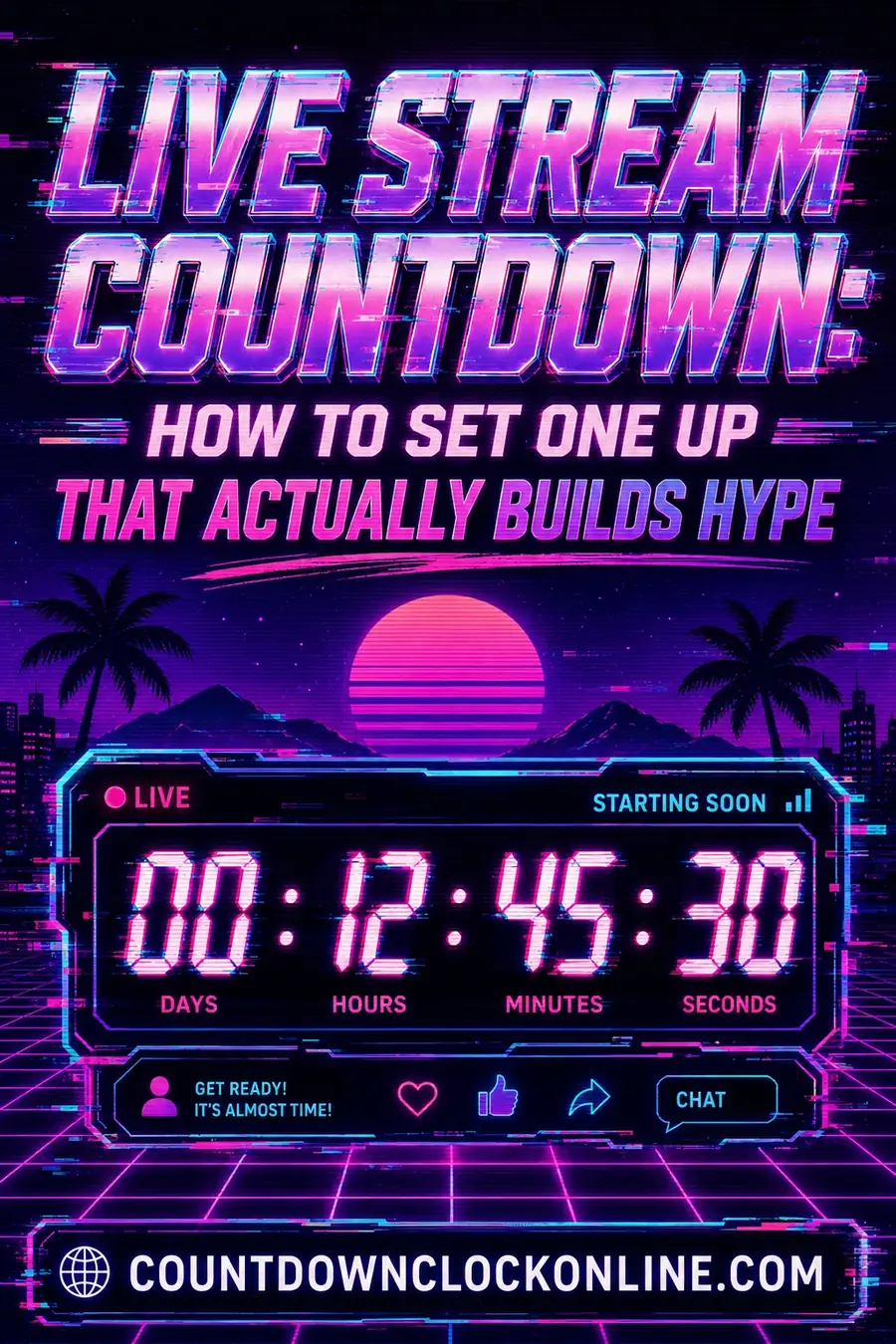
A live stream countdown works best when it's set 5-15 minutes before the actual content starts, not hours in advance — long enough to let viewers know they're in the right place, short enough that people don't wander off and forget to come back. The goal isn't just showing a number ticking down; it's giving early viewers a reason to stay and chat while everyone else trickles in.
Why Timing the Countdown Matters More Than the Design
A countdown that starts too early (an hour or more before the stream) loses viewers to other tabs — most people won't sit and stare at a timer for 60 minutes. A countdown that starts too late (30 seconds before) barely gives late viewers a chance to notice the stream exists before it's already live.
The sweet spot for most creators: open the countdown screen 5-15 minutes before your actual start time. This is long enough for your countdown to show up in platform notifications and for early arrivals to settle in and start chatting, short enough that the wait doesn't feel like a chore.
What to Actually Put on a Countdown Screen
The exact start time, ideally with a time zone noted if your audience spans multiple regions — "Starting at 7pm ET" removes ambiguity for viewers checking in from anywhere.
A brief description of what's coming, so people who click in mid-countdown know they're in the right place and what to expect.
Background music or ambient audio, since a completely silent countdown screen feels dead — many streamers loop a short royalty-free track during the wait.
Chat left open and active, so early viewers have something to do besides stare at the clock — encourage chat interaction during the countdown itself rather than treating it as pure dead air.
Your social links or a call-to-action, since a captive early audience is a good moment to point people toward a Discord, a follow button, or another channel.
Setting Up the Countdown Itself
If your streaming platform doesn't have a built-in countdown overlay, a standalone countdown clock set to your exact scheduled start time and shared on screen works as a simple, reliable option — set it once, and it counts down in real time regardless of which platform or software you're streaming through.
Match the countdown to your actual start time exactly, not a rounded approximation — if your stream is genuinely starting at 7:03pm because of setup time, set the countdown to 7:03pm rather than 7:00pm, so the countdown hitting zero and the stream actually starting line up. A countdown that hits zero and then nothing happens for two more minutes trains your audience to distrust future countdowns.
Test the countdown before going live to confirm the time zone and date are correct — a countdown set to the wrong time zone either starts your event early (viewers arrive after your countdown already hit zero and missed the start) or unnecessarily late.
Common Live Stream Countdown Mistakes
Starting the countdown too far in advance. A countdown opened three hours before the stream loses almost all its urgency — viewers who show up that early usually leave and don't come back exactly when it matters.
No context on the countdown screen. A bare timer with no title or description leaves new viewers unsure what they're waiting for, especially if they clicked in from a shared link without other context.
Silence during the wait. Dead air, even during a countdown, causes viewers to close the tab. Music, a looping visual, or active chat moderation all help keep the room feeling alive.
Countdown and actual start time don't match. If your countdown consistently hits zero before you're actually ready, viewers learn to ignore future countdowns and just show up late on purpose.
Platform-Specific Countdown Considerations
Different streaming platforms handle pre-stream countdowns somewhat differently, which is worth knowing before you build one:
YouTube Live sends scheduled-stream notifications to subscribers who've opted in, and a "premiere" or scheduled stream page can display a built-in countdown automatically, without needing a separate overlay — worth checking whether your platform's native scheduling feature already covers what you're trying to build manually.
Twitch doesn't have a native countdown feature built into the stream itself, which is why most Twitch streamers use a custom overlay (built in streaming software like OBS or Streamlabs) combined with an external countdown timer, giving them full control over the visual design and exact timing rather than relying on a platform default.
Instagram and TikTok Live are generally more spontaneous formats, and pre-planned countdowns are less common — when used, they tend to be shorter (a few minutes) and simpler, matching the more casual, immediate tone of those platforms compared to a scheduled YouTube or Twitch broadcast.
Building Anticipation Beyond the Countdown Screen Itself
The countdown screen is just one part of building anticipation for a scheduled stream — pairing it with pre-stream promotion makes the countdown itself land better once viewers actually arrive. Posting a reminder on social media an hour or two before going live, pinning an announcement in a Discord server, or sending a scheduled notification through your platform all help ensure that when your countdown screen does appear, it's greeting an audience that already knows to expect it, rather than relying on the countdown screen alone to generate first-time awareness. A countdown works best as the final, visible confirmation of an event people already knew was coming, not as the sole announcement mechanism.
What to Do If You're Consistently Running Late
If you notice a pattern of starting later than your announced and countdown-displayed time, it's worth addressing the root cause rather than just tolerating a slipping schedule. Building in a genuine 5-10 minute setup buffer before your announced start time — rather than announcing your actual desired go-live moment and then needing extra minutes for last-second technical issues — keeps your countdown trustworthy over time, which matters more for audience retention than it might seem. Viewers who learn a specific streamer's countdowns are unreliable start showing up later themselves, which compounds the problem in future streams.
Designing a Countdown Overlay That Matches Your Brand
For streamers building a recurring show or channel identity, the countdown screen is a genuine branding opportunity that's easy to overlook in the rush to just get something functional on screen. A countdown overlay that uses consistent colors, fonts, and layout matching the rest of your channel's visual identity reinforces brand recognition every single time a viewer sees it, the same way a consistent thumbnail style or channel banner does. Simple additions — your logo positioned consistently, a background that matches your usual stream overlay, a font that's used consistently across all your channel's visual assets — cost very little extra effort but compound over dozens or hundreds of streams into genuine brand recognition among regular viewers.
What Viewers Actually Do During a Countdown
It's worth understanding the real behavior pattern during a pre-stream countdown, since it should inform what you put on screen. Most viewers who show up during a countdown are doing one of three things: actively chatting with others who arrived early, multitasking in another tab while glancing back periodically, or simply leaving the tab open in the background while doing something else entirely. This means the countdown screen needs to work for all three behaviors — clear enough to glance at and immediately understand, engaging enough to hold attention for active chatters, and not so demanding that background viewers feel like they're missing something critical by not watching continuously. A simple, clean countdown with active, moderated chat tends to serve all three groups better than an elaborate, constantly-changing visual that assumes full attention.
Countdown Names: Labeling the Screen So Viewers Know What They Are Waiting For
A timer with no label is a timer for nothing. Someone landing on your stream three minutes early sees numbers falling and no reason to stay. Good countdown names do one job: they tell a first-time viewer what happens when the number reaches zero.
The pattern that works is a concrete noun plus a promise. "Starting soon" is the weakest option in common use - it says only that something exists. "Patch 4.2 first look - live in" tells someone what they are about to watch. For a recurring show, reusing the same countdown name every week builds recognition, and regular viewers scrolling a directory will spot the phrase before they register your thumbnail.
Keep the label short enough to read at a glance on a phone, put it above the digits rather than below them, and keep it in the same font weight and color family as the rest of your branding so it does not look bolted on. If you run several formats - a main show, a subscriber session, a charity event - give each one its own countdown name and reuse it consistently rather than inventing new wording each time.
The Old Film Countdown Look, and When It Works
The rotating sweep hand, the numbers inside a circle, the faint scratches and the single beep: that is an old film countdown, more properly the Academy or SMPTE universal leader, originally printed onto the head of a reel so a projectionist could cue a film frame-accurately.
It survives because it reads instantly as "something is about to begin," and because everyone has seen it. As a stream opener it works well for film-adjacent content, retro gaming, horror, and anything with a deliberately analog aesthetic. It works badly anywhere the rest of your branding is clean and modern, where it reads as a stock asset rather than a decision.
Two practical notes. The real leader counts down and then goes black for a couple of seconds before the picture starts, so if you use an accurate version, expect that silent gap and do not treat it as a technical fault or cut it out. And the format only covers a handful of seconds, which makes it an ending rather than a whole countdown - run your normal timer for the long wait, then switch to the film leader for the final seconds before you go live.
Frequently Asked Questions
How long before a stream should I start the countdown? 5-15 minutes before your actual start time is the sweet spot for most streams — long enough to build a small early audience and let notifications reach people, short enough that viewers don't lose interest and leave before you go live.
Should I include a time zone on my live stream countdown? Yes, always, especially if your audience is spread across regions — stating the time zone explicitly (rather than relying on viewers to correctly guess or convert) prevents people from showing up at the wrong local time.
What should be happening on screen during the countdown, besides the timer? Background music, a brief description of the upcoming content, your social or Discord links, and active chat moderation all help keep early viewers engaged instead of just staring at a static number.
What happens if my stream doesn't actually start when the countdown hits zero? Even a short unexplained delay after the countdown ends damages viewer trust in future countdowns — if you know you'll need a few extra minutes, either set the countdown to your realistic start time from the beginning, or post a quick update in chat explaining the short delay.
Should I announce the exact countdown start time on social media in advance? Yes — posting the exact time (with time zone specified) a few hours before going live helps drive early viewers to catch the countdown itself, which tends to produce a more engaged opening chat than viewers arriving after the stream has already started.
Can I reuse the same countdown overlay design for every stream? Yes, and it's generally a good idea for brand consistency — most streamers keep a consistent countdown design and only update the specific date, time, and stream title text for each individual broadcast.
What happens if my internet connection drops during the countdown? Most countdown overlays are simple graphics that don't require an active connection to keep counting once loaded, but if your actual stream drops, viewers will see the platform's own "offline" indicator — it's worth having a quick way to communicate a delay via social media if a connection issue happens right before you're set to go live.
Do viewers actually prefer a countdown, or would they rather the stream just start immediately? Viewer feedback varies, but most streaming communities have grown accustomed to and generally expect at least a short countdown, since it signals professionalism and gives latecomers a small buffer to settle in before content officially begins.
Can a countdown timer be paused if I need extra setup time right before going live? Most countdown tools don't natively support pausing mid-countdown, so if you anticipate needing extra time, it's better to set the initial countdown target slightly later than your earliest possible start time, rather than trying to pause an already-running countdown.
Should a countdown timer show seconds, or just minutes, for a livestream? Showing seconds is generally more engaging in the final minute or two before going live, building anticipation, while a simple minutes-only display works fine for the earlier part of a longer countdown window.
Do collaborative or multi-host streams need a different countdown approach? It's worth having one designated person responsible for the countdown timing and go-live decision even in a multi-host stream, to avoid confusion or a mismatched start if multiple people are managing overlays independently.