15 Second Timer
Need a 15 second timer? Press Start below and it counts down from 0:15 to 0:00. Pause, reset or go full screen. It's free, works in any browser and needs no sign-up.
Fifteen seconds is short enough for a "think fast" round and long enough for a real challenge. It's also exactly a quarter of a minute (15 seconds is 1/4 of 60).
Tip: for a game with lots of rounds, press Reset and Start as fast as you can. The clock goes back to 0:15 each time.
How to use this 15 second timer
- Press Start and the clock begins at 0:15.
- Press Pause to stop, and Resume to keep going.
- Press Reset to go back to 0:15 for the next round.
- Tap "Open it full screen" so everyone in the room can see the big numbers.
- Turn the volume up before you start if you need to hear it end.
15 second games for kids and families
A quick countdown makes almost any game more exciting. A few easy ones:
- Think fast: name as many animals, foods or colors as you can in 15 seconds.
- Stack it: stack as many cups or blocks as you can before time is up.
- Freeze dance: dance for 15 seconds, then freeze when the timer ends.
- Beat the clock: tie a shoe, put on a coat or put away toys before it hits zero.
- Quick draw: draw a snowman, a tree or a gift in 15 seconds.
- Silent challenge: be completely still and quiet until the timer ends.
Quick timer for kids
For little ones, a visible countdown makes waiting and transitions easier: "When the numbers hit zero, it's time to line up." Use the full screen button so kids can see it from across the room. Always keep activities safe and age-appropriate.
Classroom transitions
- Pass out papers before the timer ends.
- Turn and talk: 15 seconds to share an answer with a neighbor.
- Quiet signal: the room is silent when the timer hits zero.
- Quick recall: write down everything you remember in 15 seconds.
15 seconds vs nearby timers
| Timer | Seconds | Good for |
|---|---|---|
| 10 seconds | 10 | Starts, transitions, quick signals |
| 15 seconds | 15 | Think-fast rounds, quick challenges |
| 30 seconds | 30 | Longer rounds, quick stretches |
| 1 minute | 60 | Short activities, quick breaks |
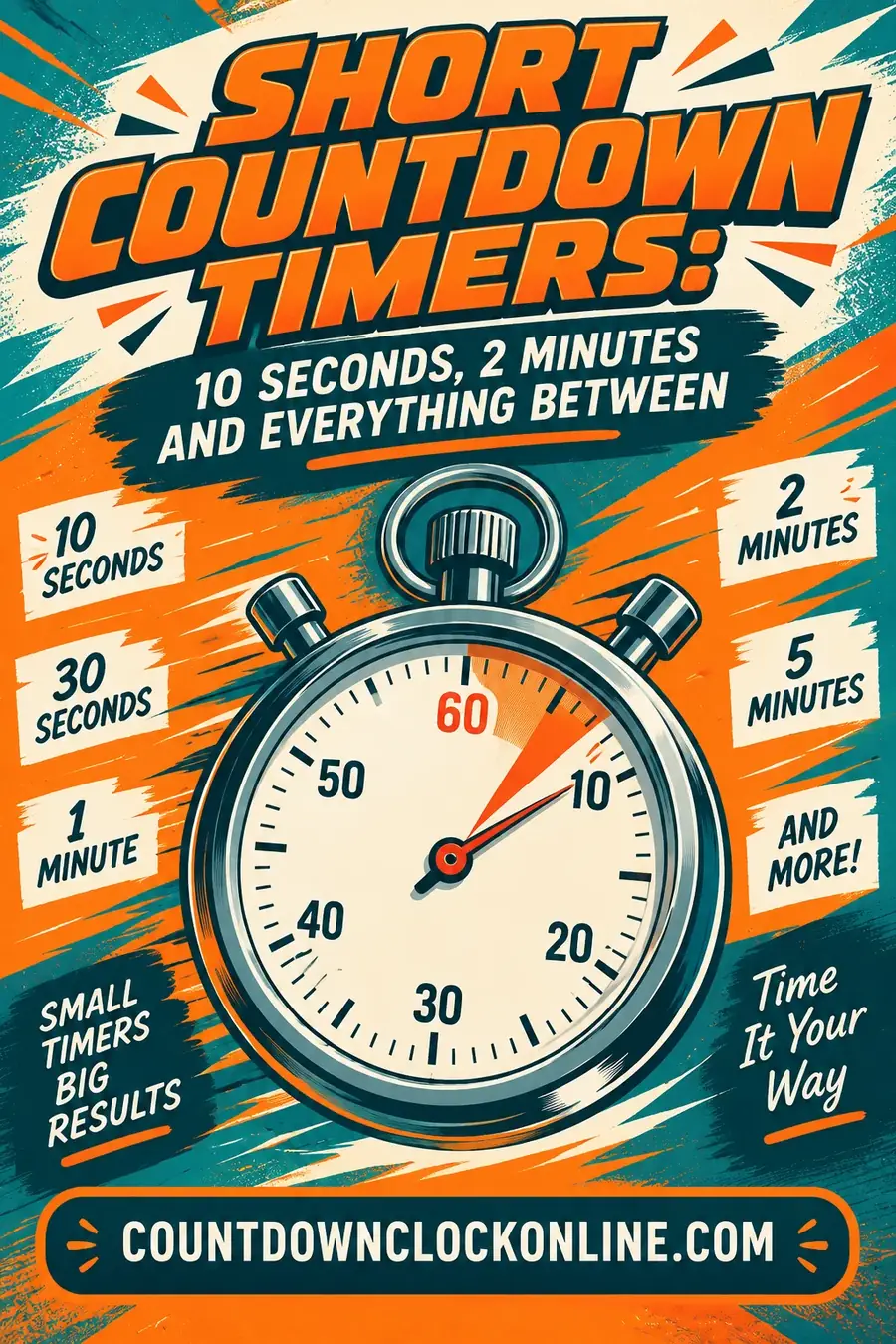
See them all in short countdown timers.
Common 15 second timer mistakes
- Starting the game before the timer. Press Start first, then say "go."
- Not resetting between rounds. Press Reset before each new turn.
- Letting the phone screen lock. Keep it awake so the page doesn't pause.
Need a different time or a countdown to a date? Make one in the free countdown maker.
Frequently asked questions
How do I set a 15 second timer?
Press Start on the timer at the top of this page. It counts down from 0:15 to 0:00, and you can pause, resume, reset or open it full screen.
How long is 15 seconds?
It's a quarter of a minute. Four 15 second rounds make one minute.
What can I do in 15 seconds?
Play a quick think-fast game, stack cups, do a classroom turn-and-talk, or beat the clock putting on a coat.
Does the 15 second timer have an alarm?
The screen shows "Time's up!" and the tab title changes when it ends. If your device's sound is on, you'll hear it too.
Can I use the 15 second timer on a TV?
Yes. Open this page in your TV's browser or cast your screen, start the countdown and tap "Open it full screen" for big numbers.
Want your own countdown? Pick a date, a theme and a title, then share it.
Make your own countdown