Christmas Countdown App (Free, Nothing to Download)
Here's the good news: you don't need to download a Christmas countdown app. The live countdown right below this paragraph is the app. It counts the days, hours, minutes and seconds to Christmas morning in your own time zone, and you can pin it to your phone's home screen in about three taps.
No sign-up, no in-app purchases, no "allow notifications?" pop-ups. Just the number of days until Christmas, ticking down, whenever you want to peek.
How do you add the Christmas countdown to your home screen?
Once it's on your home screen, it gets its own little icon and opens with one tap, exactly like an app you'd install. Here's how on each phone.
On an iPhone or iPad
- Open this page in Safari.
- Tap the Share button. It's the square with an arrow pointing up, at the bottom of the screen on an iPhone or the top on an iPad.
- Scroll down and tap Add to Home Screen.
- Rename it if you like ("Christmas!" works nicely), then tap Add.
Using Chrome on an iPhone? Newer versions have the same option in the Share menu. If you don't see it, open the page in Safari and add it from there.
On an Android phone or tablet
- Open this page in Chrome.
- Tap the three dots in the top corner.
- Tap Add to Home screen. On some phones it says Install app instead.
- Tap Add, then drag the icon wherever you want it.
Samsung's own browser works the same way: tap the menu (three lines), then Add page to, then Home screen.
How do you open the Christmas countdown full screen?
Tap the button under the countdown to open it in our full countdown maker. There you'll find a Fullscreen button that fills the whole screen with the clock, which is perfect for:
- A tablet on the kitchen counter so everyone sees the number at breakfast.
- The classroom smartboard during the last week before winter break.
- The living room TV. Open the countdown on a laptop and plug it in with an HDMI cable, or cast the browser tab to your TV.
- An office screen in the break room, so the whole team knows how many workdays are left.
In the maker you can also pick a different theme, change the title (try "Sleeps until Santa" or "Grandma arrives!") and copy a share link. Anyone who opens that link sees the same live countdown, so it's an easy one to drop in the family group chat.
Quick tip: if your screen keeps going dark, turn auto-lock off for a while (iPhone: Settings, then Display & Brightness, then Auto-Lock) or plug the tablet in and set the screen timeout to its longest setting.
Why use a browser countdown instead of a downloaded app?
Honestly, most Christmas countdown apps in the app stores do the same simple math this page does. The difference is everything that comes with them.
| This page (home screen icon) | A typical downloaded app | |
|---|---|---|
| Cost | Free | Often free with ads, or a paid upgrade |
| Storage | Basically none | Usually tens of megabytes |
| Permissions | None | Some ask for notifications, location or tracking |
| Account | Not needed | Sometimes required |
| Works on any phone, tablet or computer | Yes | Only the phones the app supports |
| Share it with family | Send a link | Everyone has to install it |
| Home screen widget | Not built in (see below) | Some apps include one |
The one real advantage some apps have is a widget, so let's talk about that.
Can I get a Christmas countdown widget?
A home screen icon opens the countdown with one tap. A widget is a little different: it shows the number right on your home screen without opening anything.
You can get a widget without a paid app, it just takes a few more minutes. Our countdown iPhone widget guide shows how to set one up with the Shortcuts app and a free widget maker, and the countdown widget setup page covers Android, desktop and streaming screens too. Set the target date to December 25 and you're done.
How many days until Christmas from key December dates?
The live countdown always has the exact number, but here's a quick reference for planning. These count full days left until December 25.
| Date | What's happening | Days until Christmas |
|---|---|---|
| Wednesday, November 25 | The day before Thanksgiving | 30 |
| Sunday, November 29 | First Sunday of Advent | 26 |
| Tuesday, December 1 | Advent calendars start | 24 |
| Sunday, December 6 | St. Nicholas Day | 19 |
| Friday, December 18 | Last school day for many kids | 7 |
| Monday, December 21 | Winter solstice, the shortest day | 4 |
| Thursday, December 24 | Christmas Eve | 1 |
| Friday, December 25 | Christmas Day | 0 |
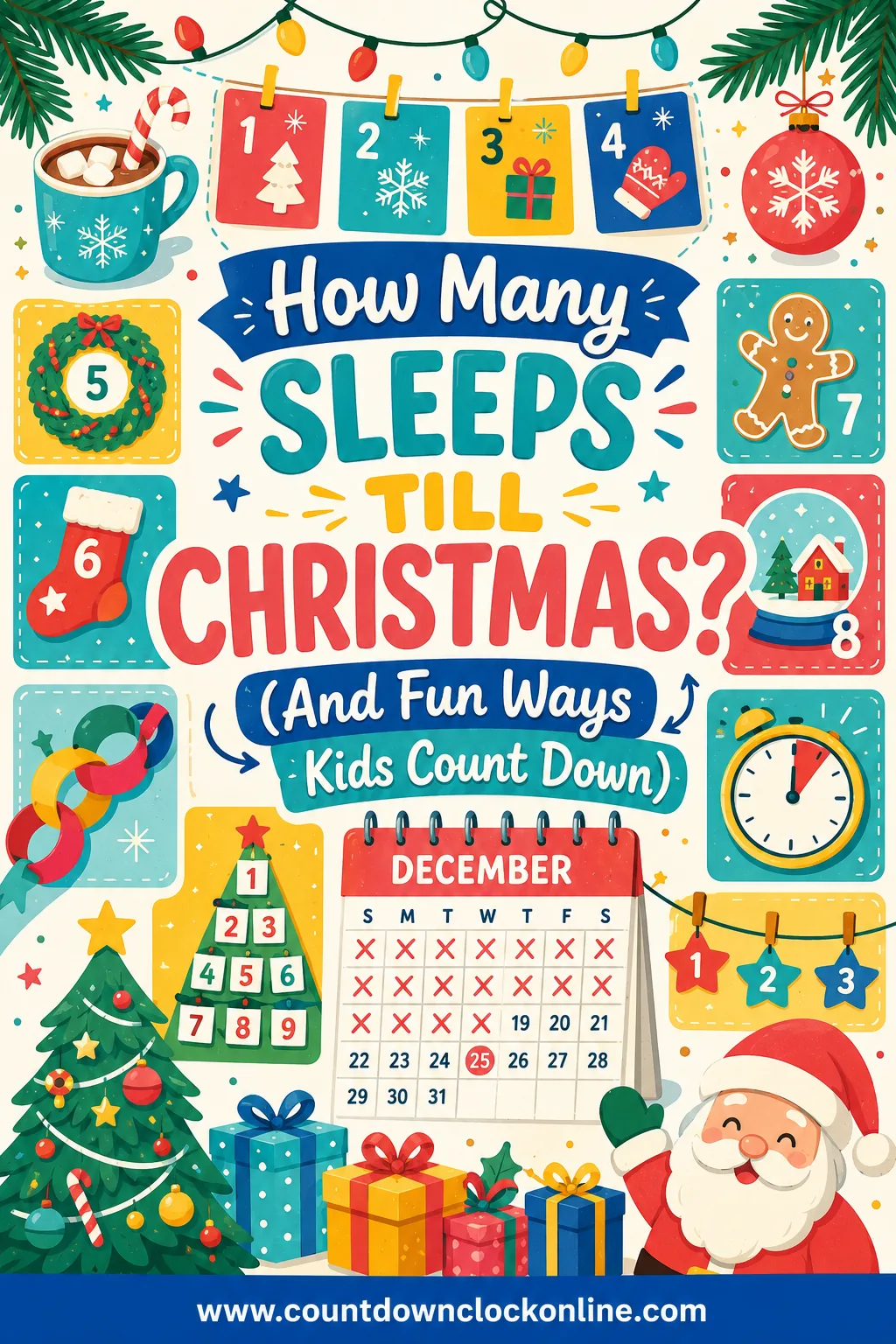
Little ones usually think in sleeps, not days. Our sleeps till Christmas page explains the difference and has fun ways for kids to count them down.
Fun ways to use your Christmas countdown app
- Morning check-in. Let a different kid tap the icon each morning and announce the number.
- Screenshot it every Sunday. By Christmas you'll have a fun little series for the photo album.
- Make one for each big moment. One countdown for Christmas, one for the last day of school, one for when the cousins arrive. Each one gets its own home screen icon.
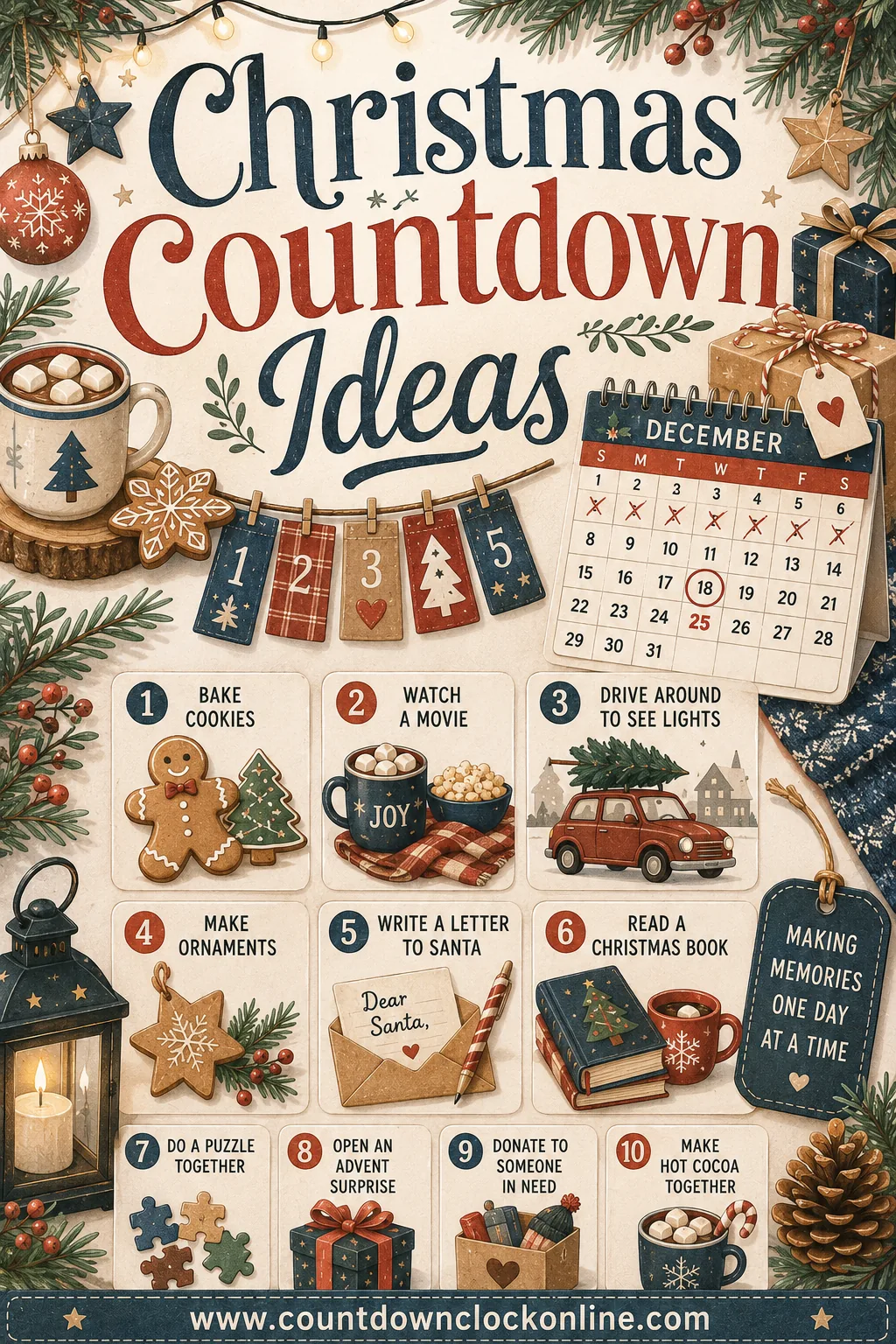
- Pair it with an activity. A countdown is more fun with something to do each day. Grab ideas from our Christmas countdown activities.
- Count down to the night before, too. If Christmas Eve is the big night at your house, the Christmas Eve countdown ticks to December 24 instead.
What if the countdown looks wrong?
The clock reads your device's own date and time, so nearly every hiccup comes from the device:
- Off by an hour or a day? Check that your phone's date, time and time zone are set to automatic.
- Icon opens a blank page? You need an internet connection to open the page. Once it's open, it keeps ticking on its own.
- Numbers froze? Phones pause pages that sit in the background. Tap the icon again or refresh, and it jumps to the right number.
- Lost the icon? Just add it again from this page. Nothing was saved to an account, so there's nothing to lose.
And when Christmas is over, the countdown quietly rolls over to next December 25, so the same icon is ready for next year. For every other holiday clock, from New Year's Eve to the first day of spring, head to our live countdown home page.
Frequently asked questions
Is there a free Christmas countdown app?
Yes, and you don't have to download anything. The countdown on this page runs in your phone's browser. Add it to your home screen and it opens from its own icon, just like an app, with no account, no ads pushed at you and no permissions.
How do I put a Christmas countdown on my iPhone home screen?
Open this page in Safari, tap the Share button (the square with the arrow), scroll down and tap Add to Home Screen, then tap Add. A Christmas countdown icon appears on your home screen, and tapping it opens the live clock.
How do I add a Christmas countdown on Android?
Open this page in Chrome, tap the three-dot menu in the top corner, then tap Add to Home screen (on some phones it says Install app). Name it, tap Add, and the countdown gets its own icon.
Does the Christmas countdown use my time zone?
Yes. It counts down to midnight on December 25 using your device's clock, so it hits zero at your own midnight wherever you are. If the number looks off, check that your phone's date, time and time zone are set to automatic.
Is a home screen icon the same as a widget?
Not quite. A home screen icon opens the live countdown with one tap. A widget shows the number on your home screen without opening anything, and that usually needs a widget app or a shortcut. Our countdown widget guides walk through both.
Will the countdown keep working next year?
Yes. After Christmas it rolls over and starts counting to the next December 25, so the same home screen icon works every year.
Want your own countdown? Pick a date, a theme and a title, then share it.
Open the live countdown